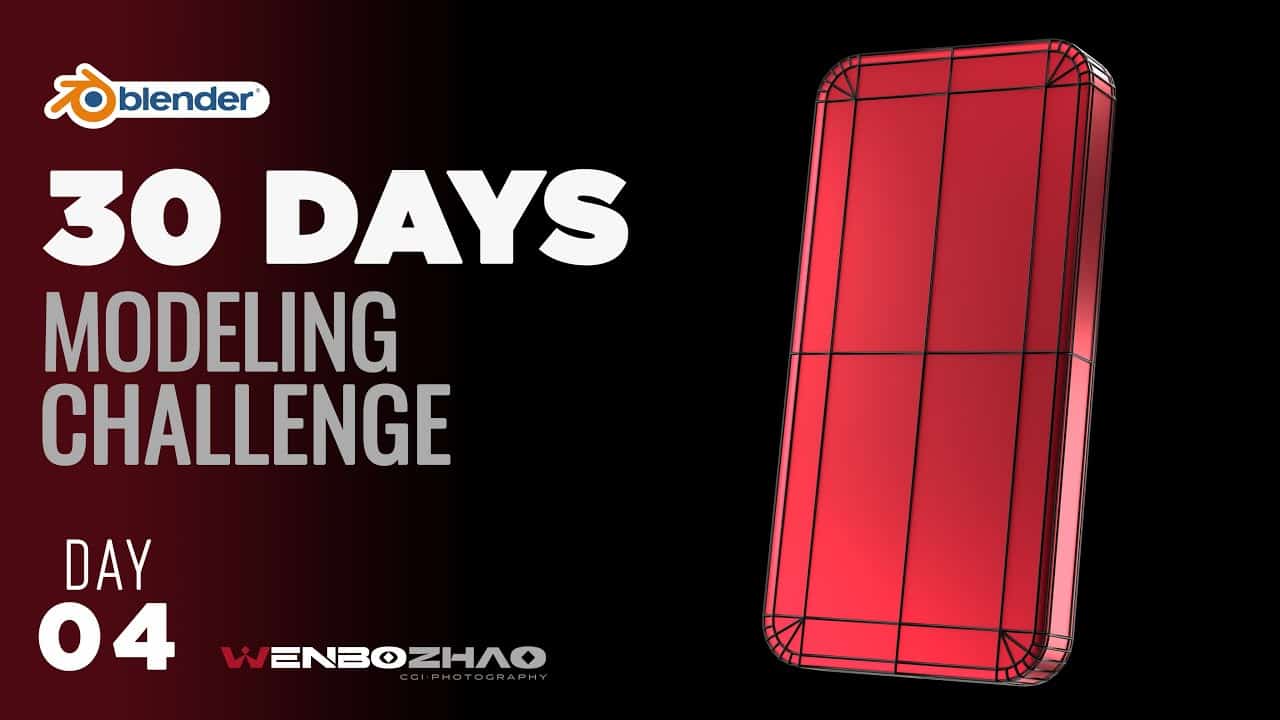
프로젝트 소개: 완벽한 곡면을 위한 토폴로지 전략
단순한 사각형 평면에서 부드러운 둥근 모서리를 만드는 과정은 기초적이지만, 적절한 토폴로지(Topology)를 갖추지 않으면 렌더링 시 아티팩트가 발생할 수 있습니다. 이번 가이드에서는 블렌더의 다양한 베벨(Bevel) 방식과 쿼드(Quad) 구성법을 통해 최적의 모델링 결과를 얻는 7가지 방법을 단계별로 알아봅니다.주요 타임라인 해설
- 0:00 – 1:00: 기초 설정 및 스케일(Scale) 적용의 중요성. 오브젝트 모드가 아닌 에디트 모드에서 형태를 변경해야 스케일 값이 1로 유지되어 베벨이 균일하게 적용됩니다.
- 1:15 – 3:00: 방법 1 (3개 세그먼트): 기본적인 베벨(Ctrl+B, V) 적용 후 버텍스를 연결하여 쿼드 구조를 만드는 기초 방식.
- 4:00 – 5:30: 방법 2 (수직 연결): 3개 세그먼트를 유지하면서 내부 라인을 수직으로 구성하는 변형 방식.
- 5:30 – 8:00: 방법 3 & 4 (4개 세그먼트): 더 부드러운 곡면을 위해 세그먼트를 늘리고 대각선 및 격자 구조로 토폴로지를 정리하는 법.
- 9:00 – 11:00: 방법 5 (인셋(Inset) 활용): 강사가 가장 추천하는 방식으로, 인셋(I)을 통해 모서리 흐름을 보존하며 깔끔한 쿼드 그리드를 형성하는 고급 테크닉.
- 12:00 이후: 두께 추가(Extrude) 및 서포트 루프(Support Loops)를 추가하여 서브디비전 적용 시 형태를 유지하는 마무리 작업.
핵심 모델링 포인트
1. 에디트 모드에서의 형태 변형
오브젝트 모드에서 스케일을 조절하면 베벨 값이 왜곡됩니다. 항상 Ctrl + A를 눌러 스케일을 초기화하거나, 에디트 모드에서 작업하는 습관을 들여야 합니다.2. 쿼드(Quad) 구조의 유지
모든 면을 사각형으로 유지해야 Subsurface Modifier를 적용했을 때 흐름이 깨지지 않고 매끄러운 반사광을 얻을 수 있습니다. J key를 사용하여 버텍스를 적절히 연결하는 것이 핵심입니다.3. 서포트 루프(Support Loop) 추가
곡면이 끝나는 지점에 Ctrl + R로 루프 컷을 추가하거나 베벨을 한 번 더 적용하여 모서리의 날카로움과 곡면의 부드러움을 제어합니다.🏷️ #Blender #Topology #3D Modeling #Bevel Tool #Subdivision Surface #Workflow #Tutorial
🇺🇸 Click to read in English
7 Essential Topology Methods for Modeling Round Corners in Blender
Project Introduction: Topology Strategies for Perfect Curves
Creating smooth round corners from a simple plane is fundamental, but without proper topology, you’ll encounter artifacts during rendering. This guide explores 7 different methods using Blender’s Bevel tool and Quad management to achieve optimal modeling results.Key Timeline Highlights
- 0:00 – 1:00: Basic setup and the importance of applying Scale. Changing shapes in Edit Mode keeps the scale at 1.0, ensuring uniform beveling.
- 1:15 – 3:00: Method 1 (3 Segments): Basic vertex bevel (Ctrl+B, V) and joining vertices to form a standard quad structure.
- 4:00 – 5:30: Method 2 (Vertical Join): A variation using 3 segments but maintaining vertical inner edge lines.
- 5:30 – 8:00: Methods 3 & 4 (4 Segments): Increasing segments for smoother curves and organizing topology into diagonal or grid patterns.
- 9:00 – 11:00: Method 5 (Inset Technique): The instructor’s preferred method. Using Inset (I) to preserve edge flow and create a clean quad grid.
- 12:00+: Finalizing with Extrusion, Support Loops, and Subsurface Modifiers to hold the shape.
Core Modeling Principles
1. Shape Transformation in Edit Mode
Scaling in Object Mode distorts beveling. Always use Ctrl + A to apply scale or perform transformations in Edit Mode to maintain a 1:1:1 ratio.2. Maintaining All-Quad Topology
Keeping faces as quads is crucial for the Subsurface Modifier. This ensures smooth light reflection and prevents shading issues. Use the J key to connect vertices properly.3. Adding Support Loops
Control the sharpness of edges by adding loop cuts (Ctrl + R) near the corners. This prevents the subdivision from over-smoothing the flat areas.🇨🇳 点击阅读中文 (Chinese)
Blender 中建模完美圆角的 7 种拓扑方法详解
项目介绍:打造完美曲面的拓扑策略
在简单的平面上制作平滑的圆角是基础操作,但如果没有 正确的拓扑结构 (Topology),渲染时会出现伪影。本指南将通过 Blender 的倒角 (Bevel) 工具和四边形 (Quad) 构建技巧,详细介绍 7 种获得最佳建模结果的方法。关键时间轴解析
- 0:00 – 1:00: 基础设置与 应用缩放 (Scale) 的重要性。应在编辑模式下修改形状,以保持缩放比例为 1,确保倒角均匀。
- 1:15 – 3:00: 方法 1 (3 分段): 基础顶点倒角 (Ctrl+B, V) 后连接顶点形成基础四边形结构。
- 4:00 – 5:30: 方法 2 (垂直连接): 同样使用 3 分段,但将内部线条保持垂直布局。
- 5:30 – 8:00: 方法 3 & 4 (4 分段): 增加分段以获得更平滑的曲线,并学习如何整理对角线或网格拓扑。
- 9:00 – 11:00: 方法 5 (利用内插面 Inset): 讲师最推荐的方法。通过内插面 (I) 保护边缘流向,形成整洁的四边形网格。
- 12:00 以后: 添加厚度 (Extrude) 并增加 支撑环路 (Support Loops),确保细分后形状不塌陷。